Help Center / HRMS / Payroll
Check payslips
Open each payslip in a payroll run to check pay and deductions, and download it as a PDF.
2 min read
What you'll learn
- Read a payslip before you submit
- Download a payslip as a PDF
Step by step
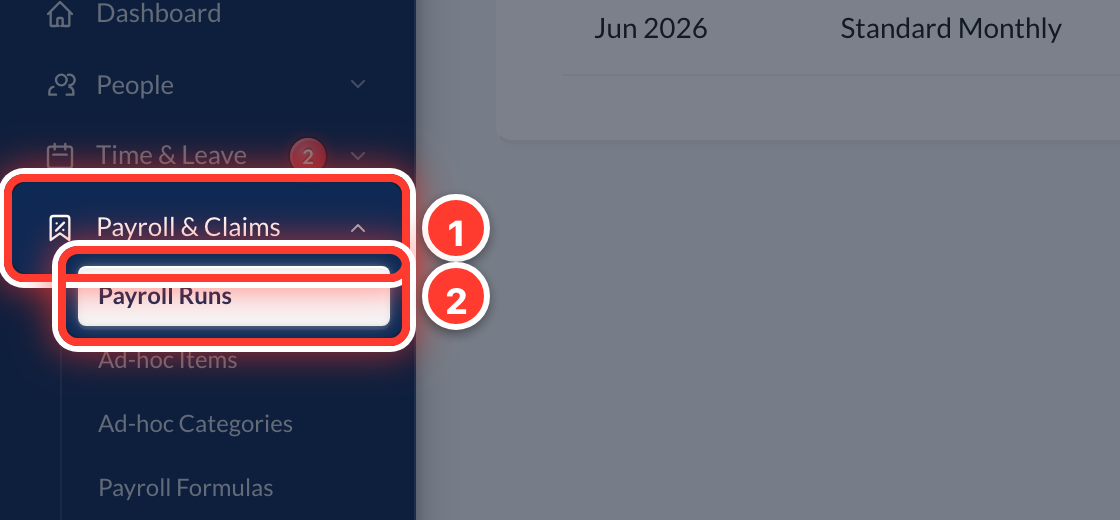 1Open Payroll & Claims in the sidebar, then Payroll Runs.
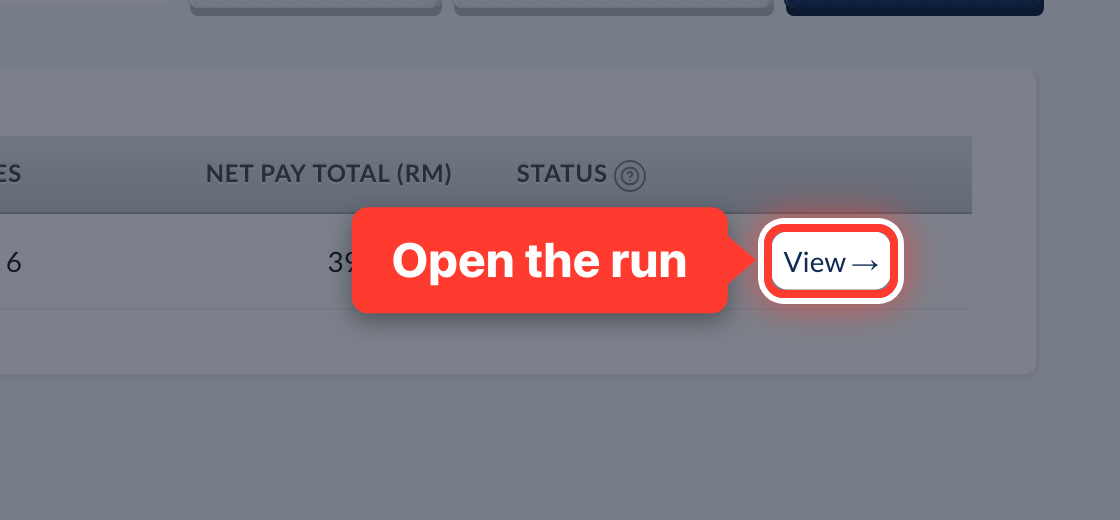 2Press View → on the month you want.
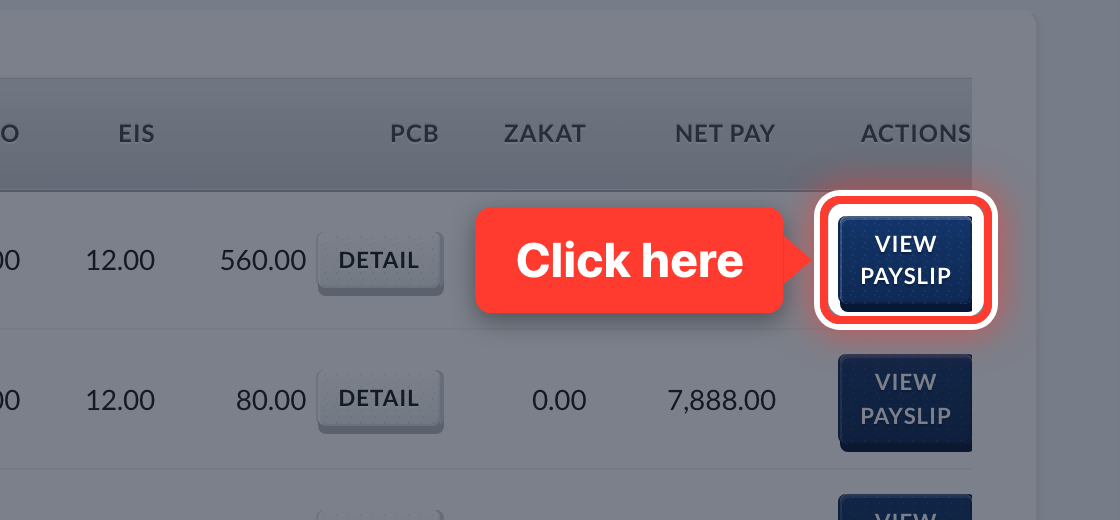 3Press View Payslip on any row.
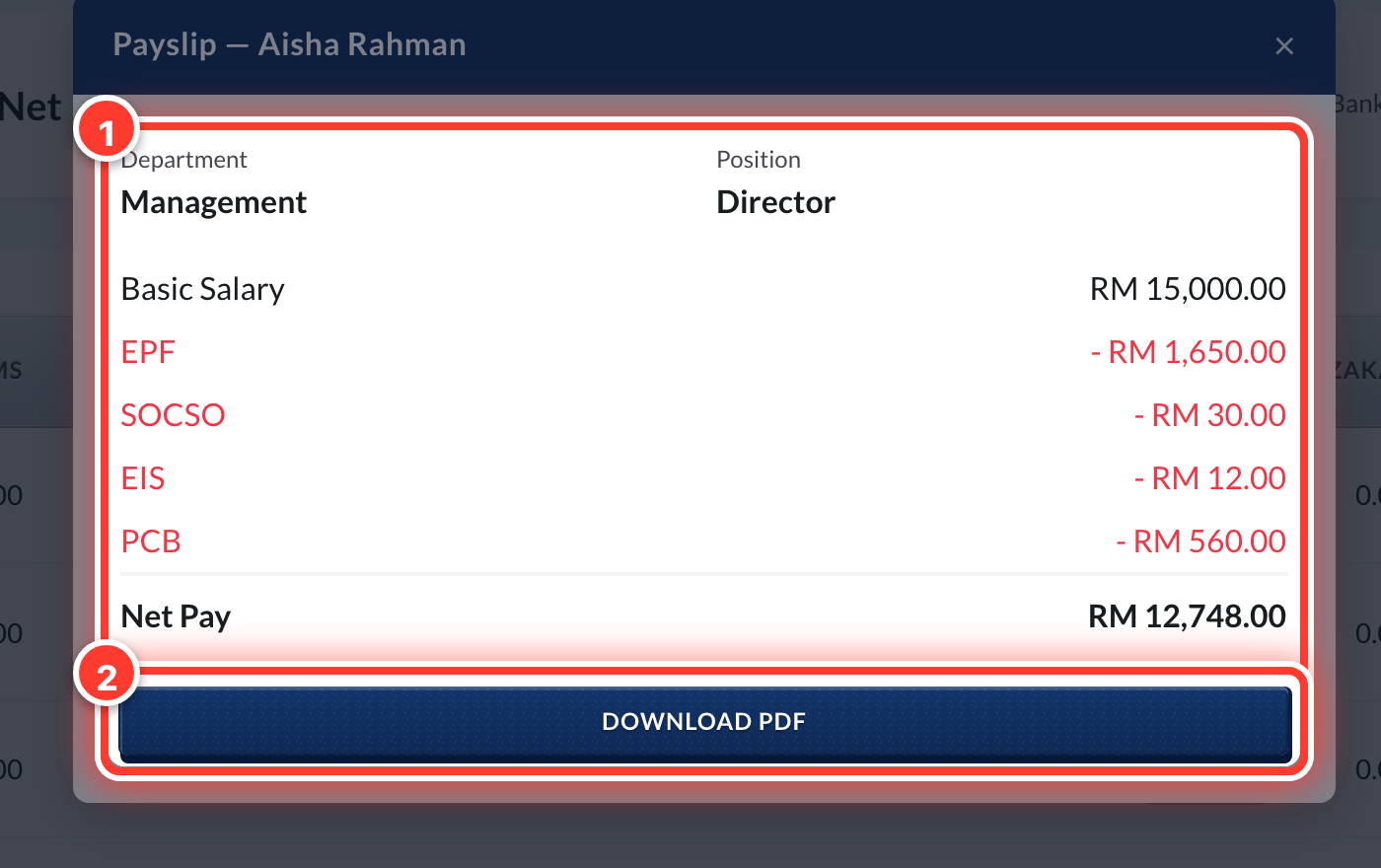 4Check the pay and the deductions. Press Download PDF to save or print it.
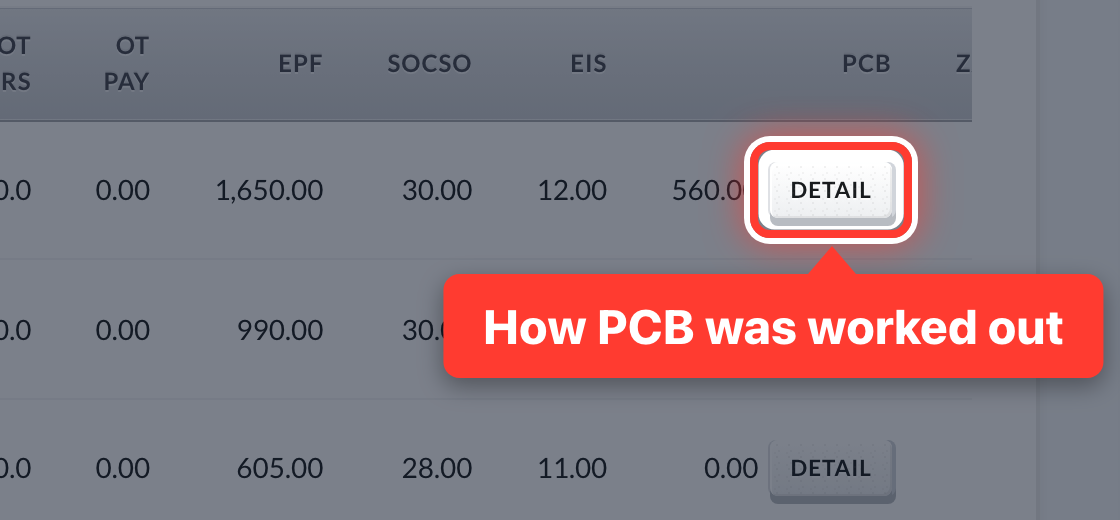 5Press Detail on a row to see how its PCB was worked out.
- 6Staff see their own payslips in the Employee portal.
Got a question or stuck on something? Our team is happy to help.
Contact support