Help Center / HRMS / Get started
What HRMS does for you
HRMS keeps staff records, leave, claims and payroll in one place, and hands payroll to your books.
2 min read
What you'll learn
- What lives in HRMS
- Where your daily HR work waits for you
Step by step
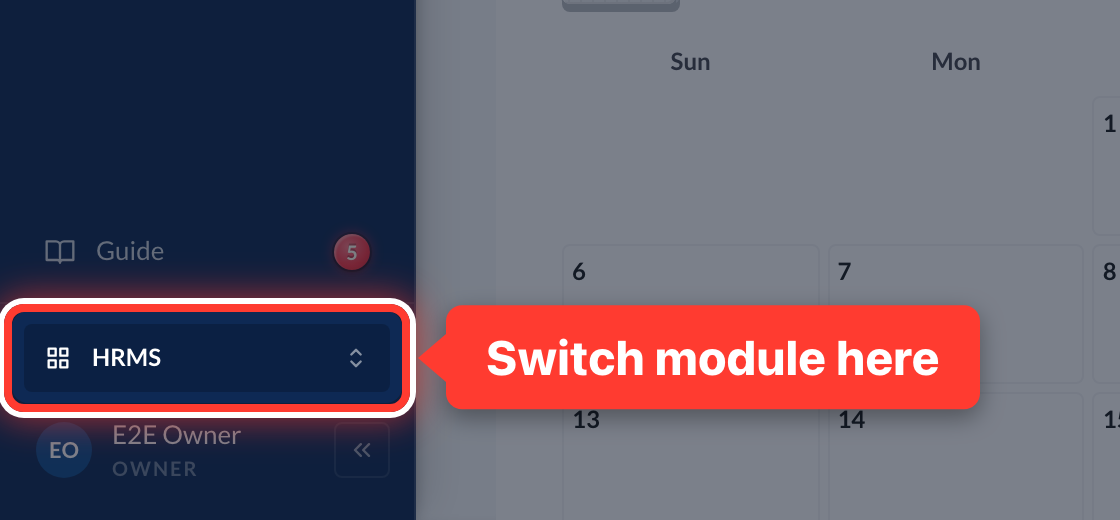 1HRMS keeps your staff records, leave, claims and payroll in one place. Switch to it at the bottom of the sidebar.
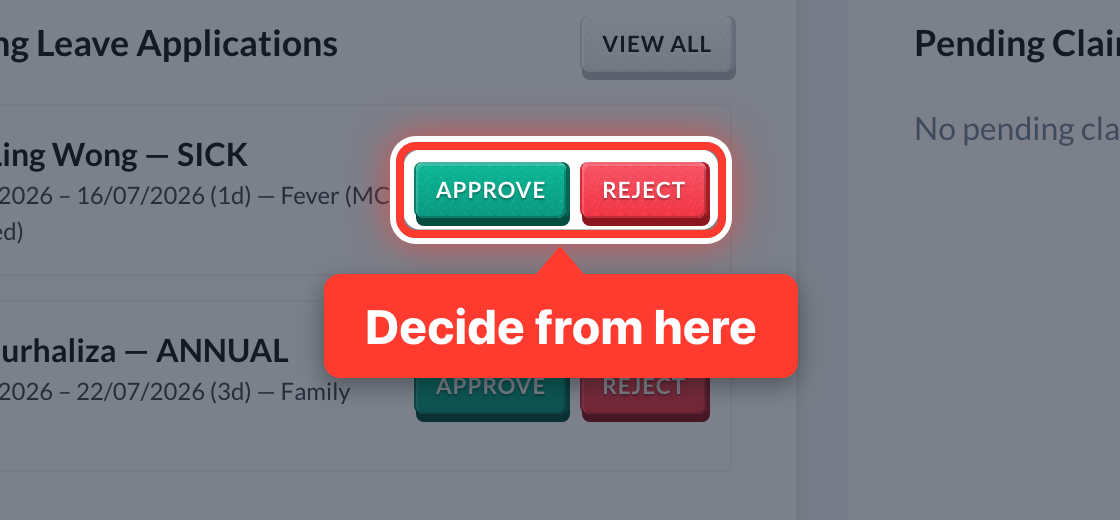 2The Dashboard shows leave and claims waiting for you, with Approve and Reject right there.
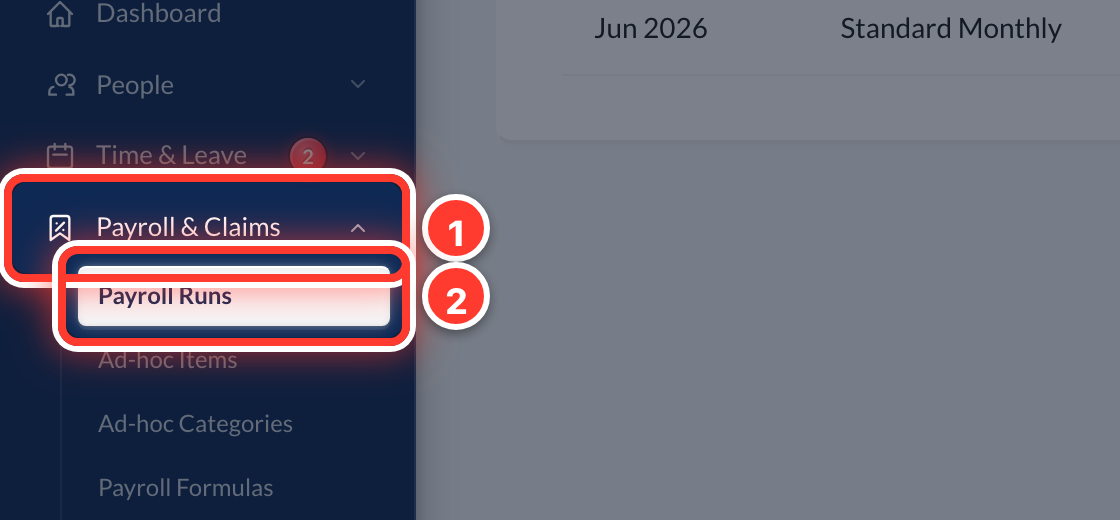 3Payroll lives in Payroll & Claims (in the sidebar) → Payroll Runs.
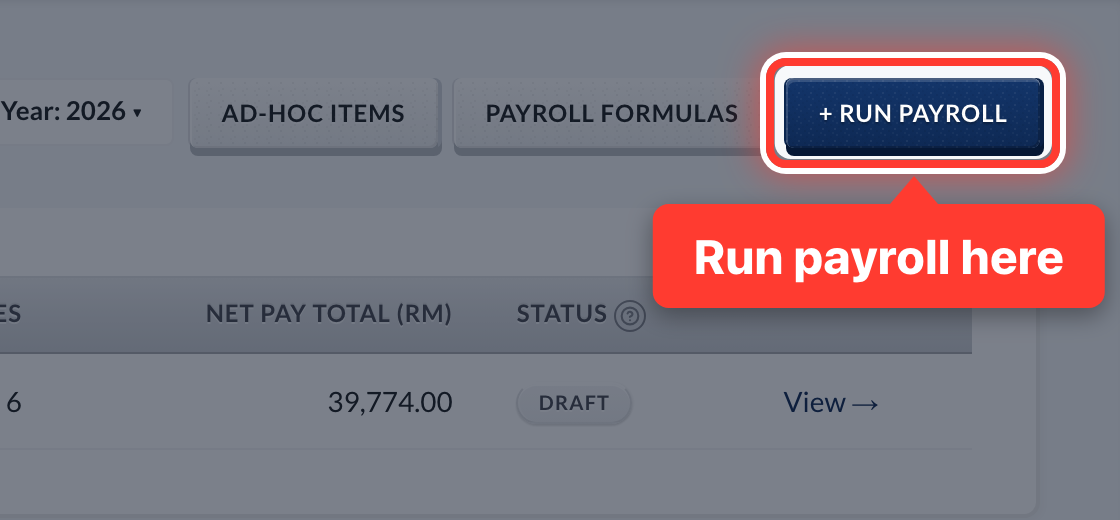 4Each month you run payroll. Fortura works out EPF, SOCSO, EIS and PCB on every payslip.
- 5When payroll is submitted, your accountant posts it to your books, and a bank file pays everyone at once.
Got a question or stuck on something? Our team is happy to help.
Contact support