Help Center / HRMS / Everyday HR
Staff claims
Staff claim money they spent for the business; once approved it is paid on their next payslip.
3 min read
What you'll learn
- How a staff claim is entered and approved
- How an approved claim gets paid
Step by step
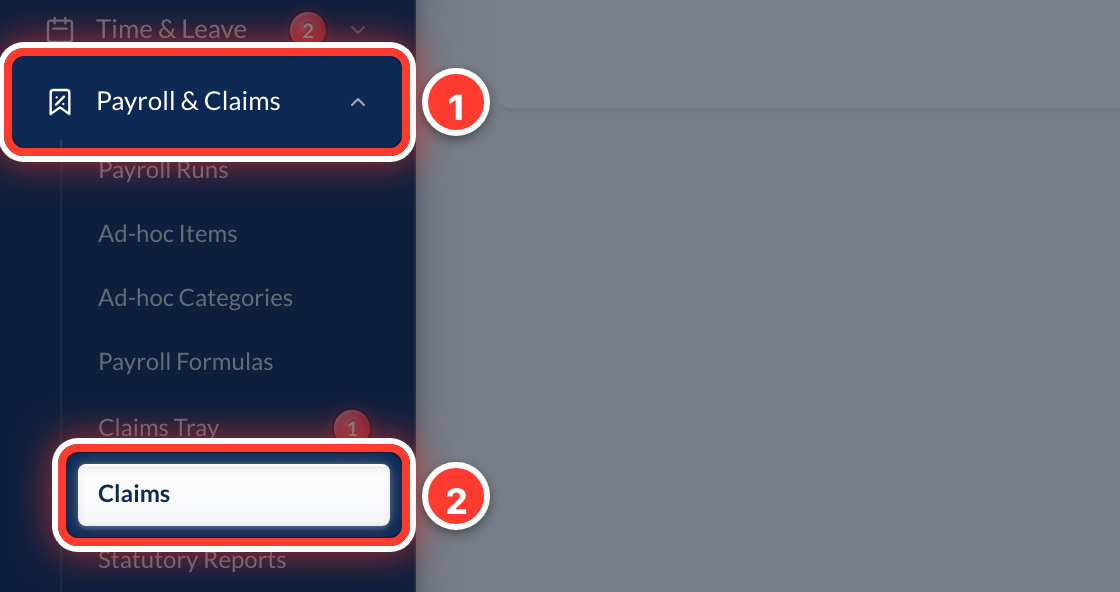 1Staff send claims from the Employee portal with a photo of the receipt. To enter one yourself, open Payroll & Claims in the sidebar, then Claims.
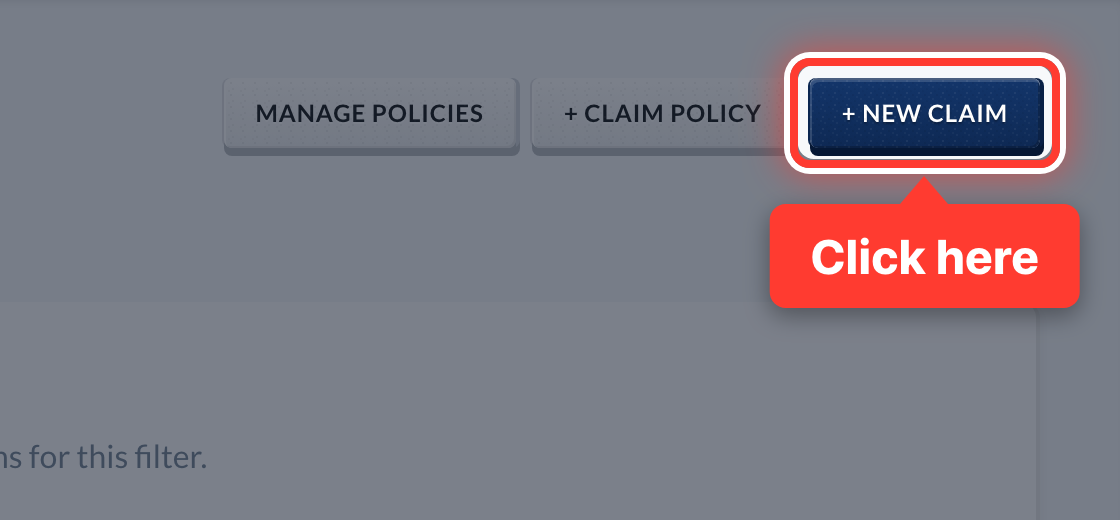 2Press + New Claim.
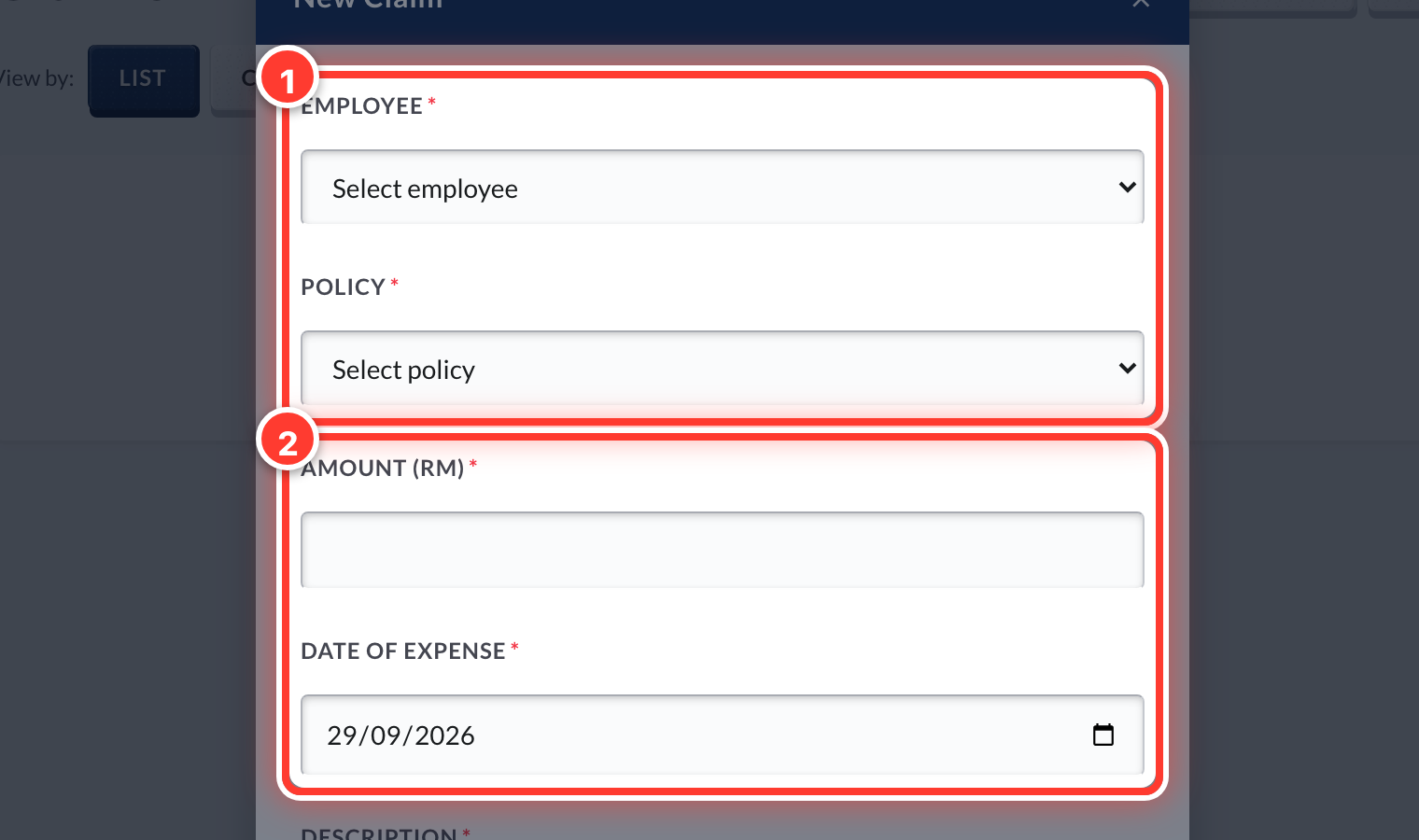 3Pick the employee and the claim policy, fill in the amount, date and description, and attach the receipt.
- 4Approve it in Approvals, or from the Claims list.
- 5An approved claim is added to that person's next payslip automatically. You don't pay it separately.
- 6Already paid them back yourself, in cash or by transfer? Press Mark Reimbursed so it stays off their payslip.
Got a question or stuck on something? Our team is happy to help.
Contact support