Help Center / HRMS / Payroll
Statutory reports
Download the EPF, SOCSO & EIS, CP39 (PCB) and HRDF files each month, and the EA Form each year.
2 min read
What you'll learn
- Download your EPF, SOCSO, EIS, PCB and HRDF files
- Get the EA Form for year-end
Step by step
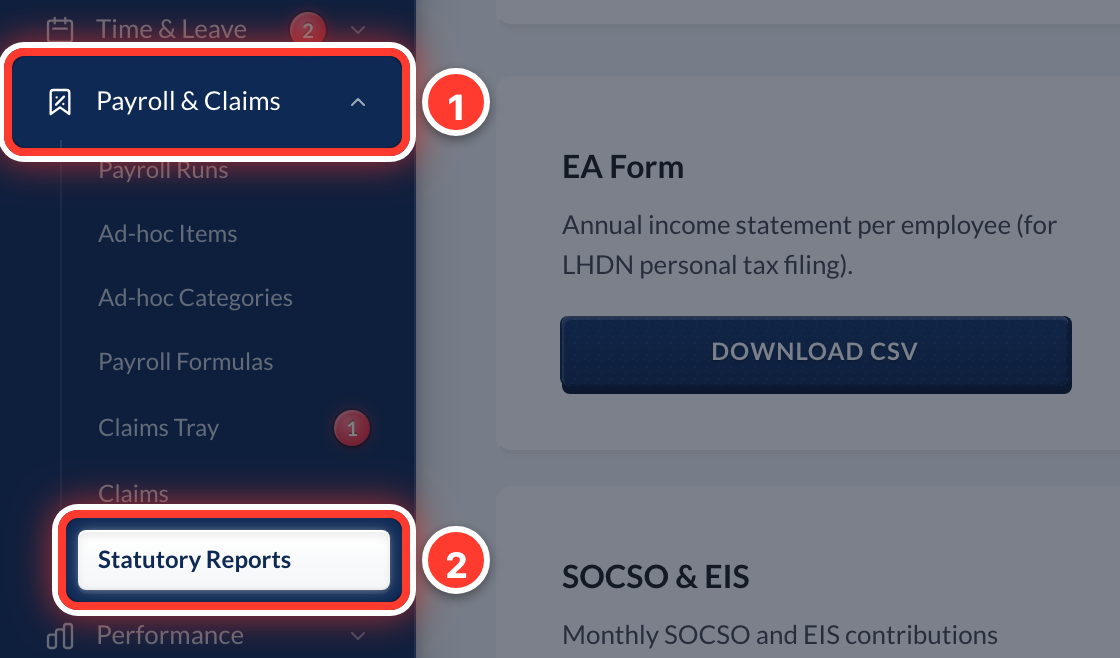 1Open Payroll & Claims in the sidebar, then Statutory Reports.
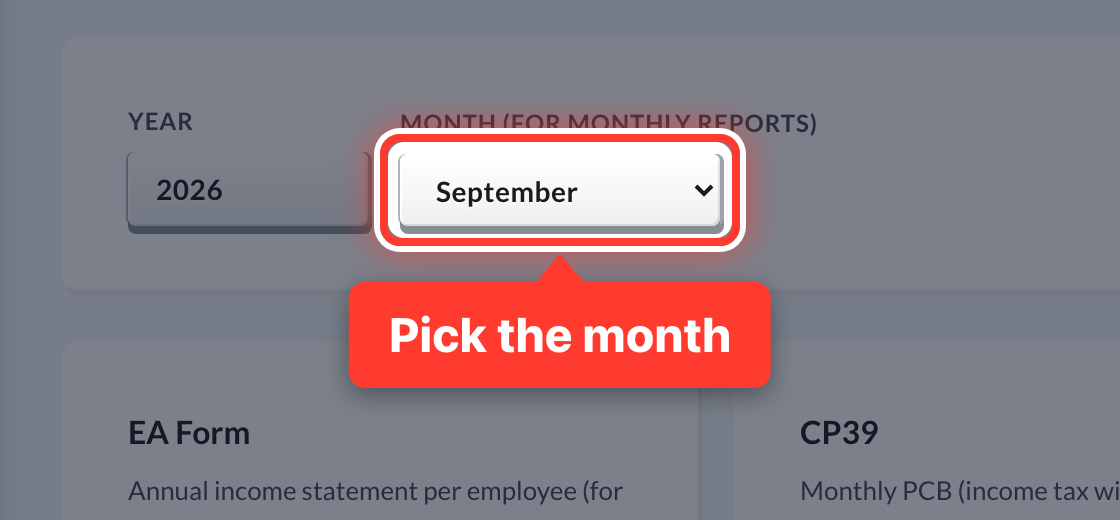 2Pick the month.
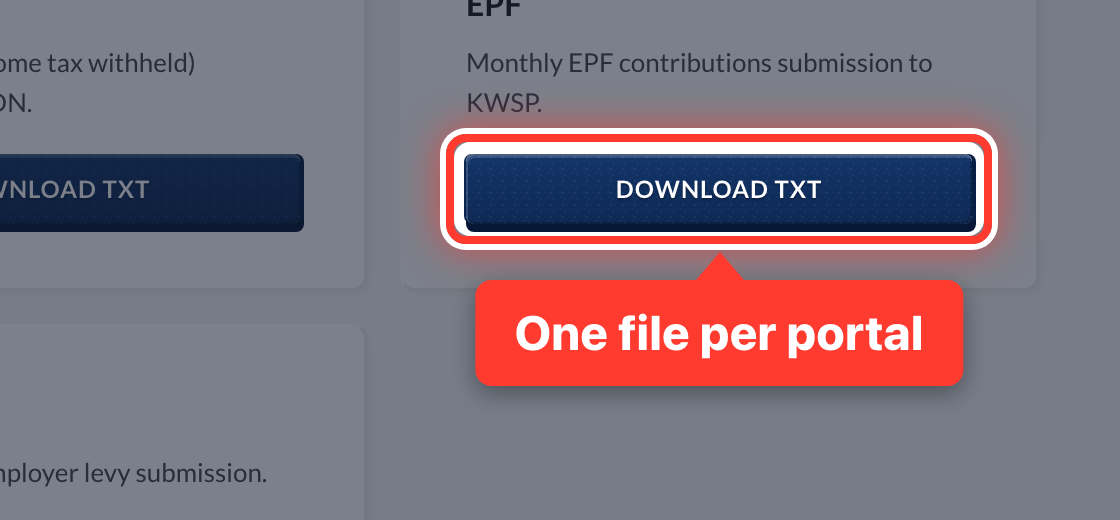 3Each monthly file is ready for its portal: EPF for KWSP, SOCSO & EIS for PERKESO, CP39 for LHDN (PCB) and HRDF for HRD Corp.
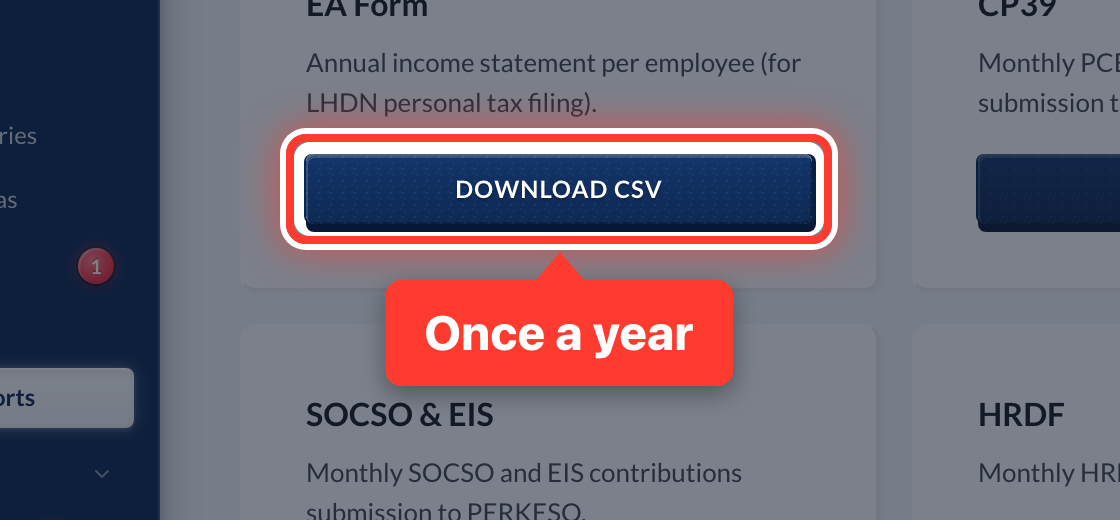 4Once a year, download the EA Form so each employee can file their personal tax.
Got a question or stuck on something? Our team is happy to help.
Contact support