Help Center / Bookkeeping / Everyday tasks
Manage suppliers and customers
Where suppliers and customers live, why names are in capitals, and setting a default GL.
2 min read
What you'll learn
- Where suppliers and customers live
- Why names are in capitals
Step by step
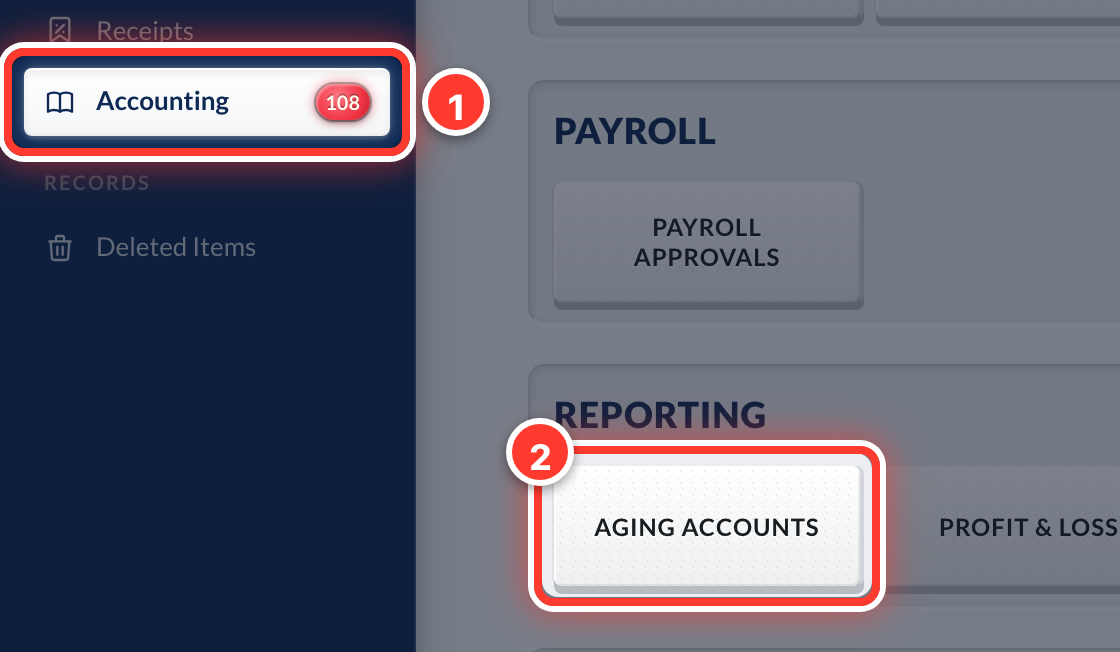 1Suppliers and customers share one list. Open Accounting in the sidebar, then Aging Accounts.
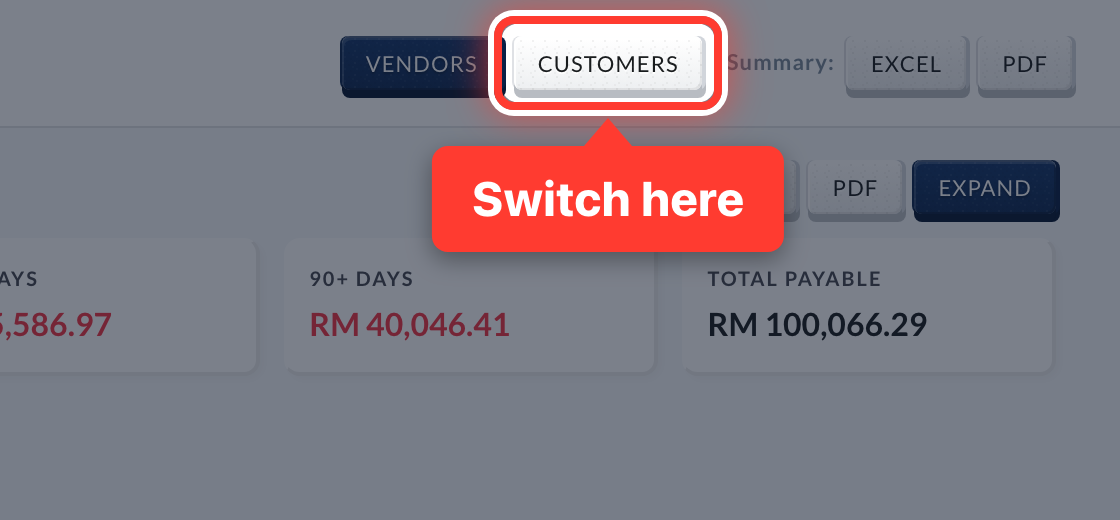 2Switch between Vendors and Customers at the top.
- 3Fortura adds a supplier the first time it reads one of their invoices.
- 4Names are saved in CAPITALS so the same company never appears twice.
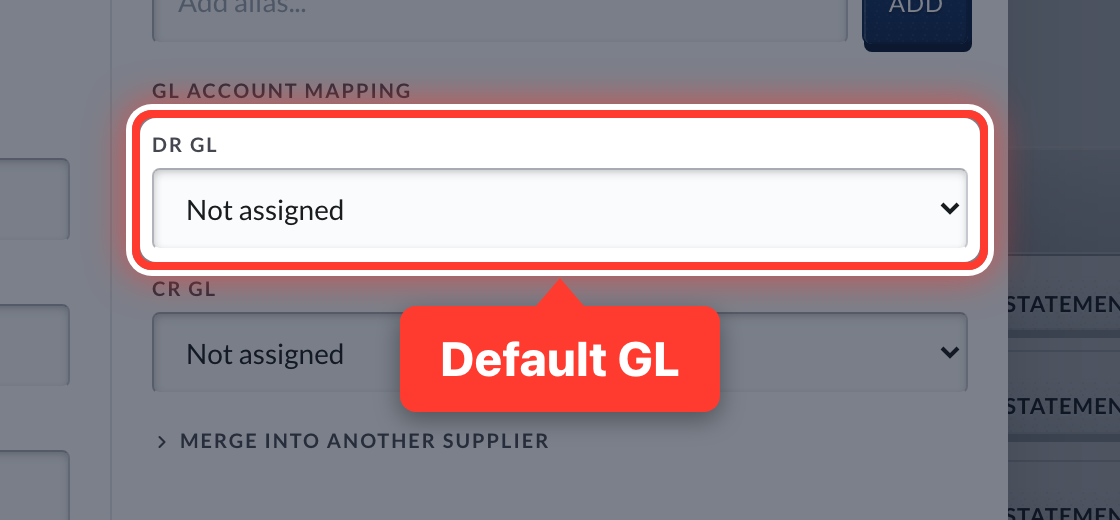 5Press Edit on a supplier and set its DR GL. Fortura suggests it on every new bill from them.
Got a question or stuck on something? Our team is happy to help.
Contact support